Picverse AI Image Generator
Create the starting frame for your next AI video
Describe a scene, choose an aspect ratio, and generate with the free Standard model or an optional premium model.
AI image studio
Turn an idea into an image.
AI Image Gallery
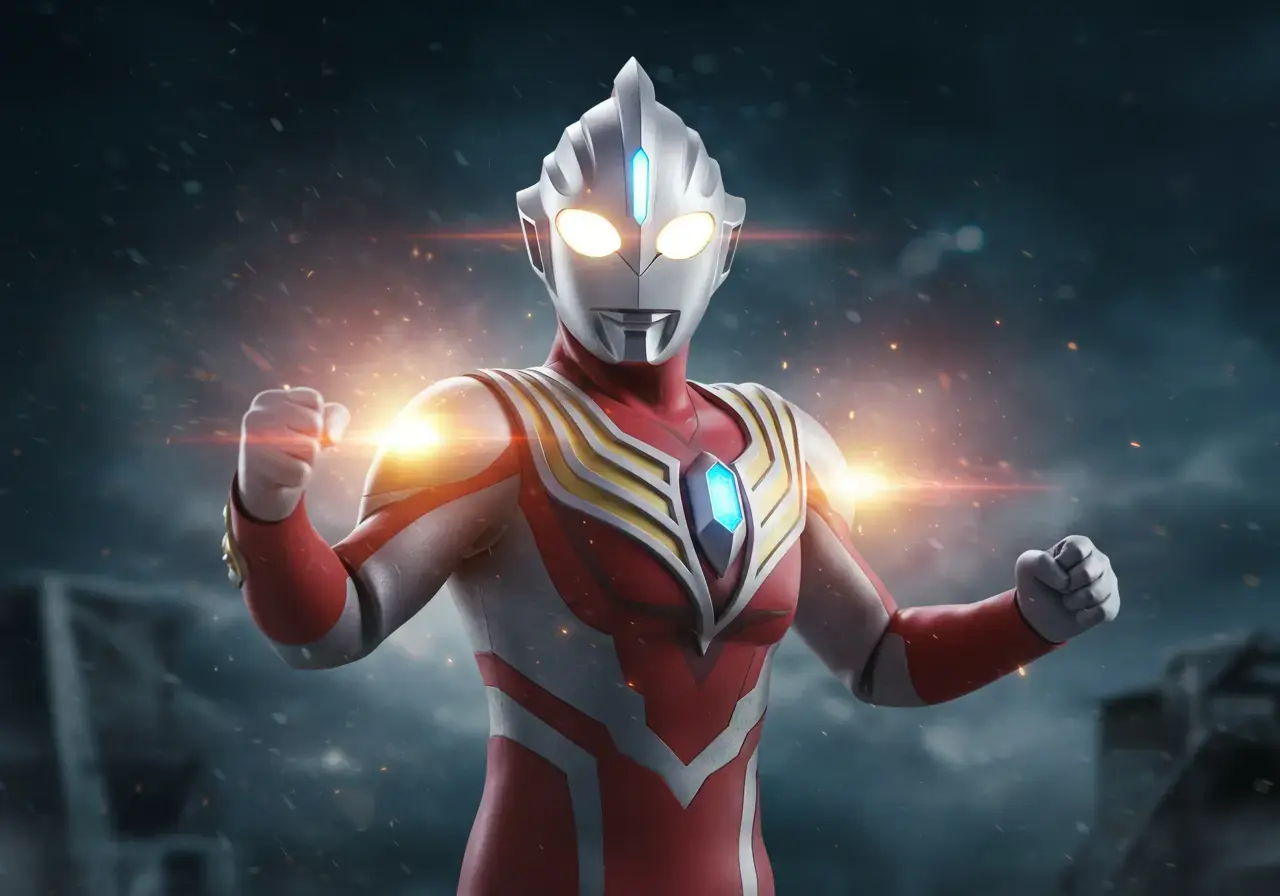
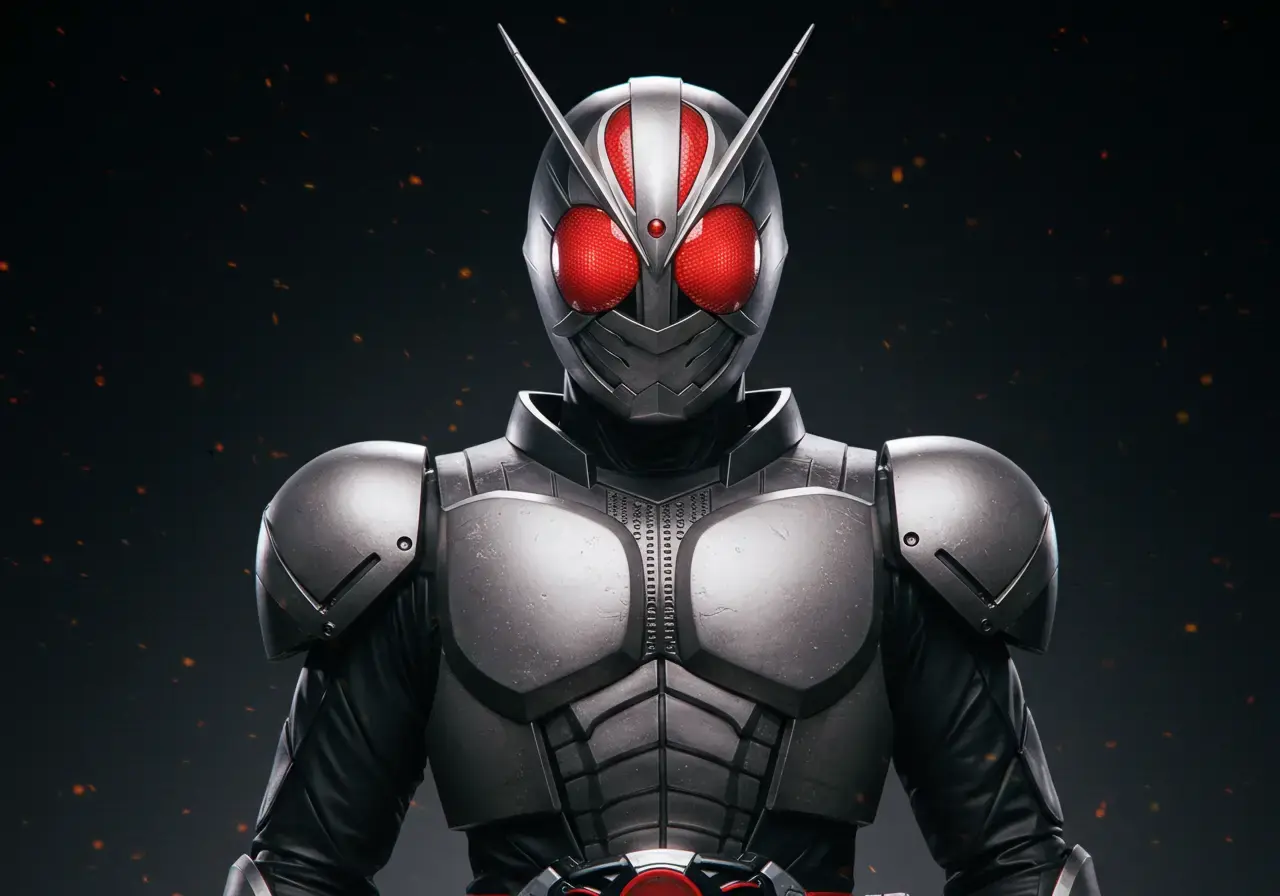
What is Picverse AI Image Generator? Your Key to Better AI Videos
Picverse Image Generator helps you create clear source frames for image-to-video workflows. Choose a composition and aspect ratio here, then send the result directly to the video generator for animation.
- Video-Friendly CompositionUse clear subjects, visible silhouettes, and deliberate framing when preparing an image for animation.
- Clear Subject DirectionDescribe costume, pose, environment, lighting, and camera angle in one prompt.
- Portrait-Friendly FramingUse a clear, front-facing composition when preparing a source image for face-focused motion.
Creative toolkit
Why Create Your Source Image Here
Create a source image, refine its composition, and continue into image-to-video generation from the same site.
Video-Ready AI Images
Choose an aspect ratio and compose a clear source frame for later animation.
Character Source Frames
Build character and hero-inspired source images, then continue in the video generator.
Portrait Source Images
Create front-facing portraits with clear lighting and an uncluttered background for face-focused projects.
Smart Transition Point Mapping
Prompt enhancement adds composition, detail, focus, and lighting guidance before generation.
Rapid AI Image Generation
Use the lightweight free model for quick drafts, then switch to a premium model for final artwork.
Commercial Rights for AI Video
Review the applicable model and service terms before using generated images commercially.
AI Image Generator: Frequently Asked Questions
Learn how to create, refine, and use source images in an image-to-video workflow.
How is this AI image generator different from Leonardo AI, Kling AI, or Runway?
The generator keeps source-image creation and video animation in one workflow. The free model is useful for drafts; premium models are available when higher detail or stronger prompt reasoning is needed.
Can I use these AI images with any AI video generator, like Pixverse AI or Kling AI?
Yes. Download the generated image for use elsewhere, or send it directly into this site's video generator. Results depend on the destination model and prompt.
Is this a free AI image generator? How many images can I create?
Yes. Standard generation uses no credits. Quality costs 20 credits and Pro costs 75 credits per image.
What makes Picverse better for character AI image to video transformations?
Clear subject separation, visible limbs, stable lighting, and an uncluttered background generally give video models a more usable source frame.
Do I need a Pro plan to create a source image?
No. Standard generation uses no credits. Quality, Pro, and video generation show the exact credit amount directly on the Generate or Create button.
How does this work with Pixverse AI for image to video?
Create and download a source image here, or continue into the video generator and describe how the subject or camera should move. Output still depends on the selected model, source image, and prompt.
Create a Source Image for Your Next Video
Draft a source image for free, choose the right aspect ratio, and continue directly into image-to-video generation.