Galería de imágenes con IA
Explora ideas de imágenes fuente para personajes, productos, retratos y proyectos de video.
Tres pasos para tu imagen de video
Diseña fotogramas iniciales ideales para darles movimiento.
- Video-Friendly CompositionUse clear subjects, visible silhouettes, and deliberate framing when preparing an image for animation.
- Clear Subject DirectionDescribe costume, pose, environment, lighting, and camera angle in one prompt.
- Portrait-Friendly FramingUse a clear, front-facing composition when preparing a source image for face-focused motion.
Diseñado para la animación con IA
Cada imagen generada está optimizada para transiciones y movimiento fluido en video.
Video-Ready AI Images
Choose an aspect ratio and compose a clear source frame for later animation.
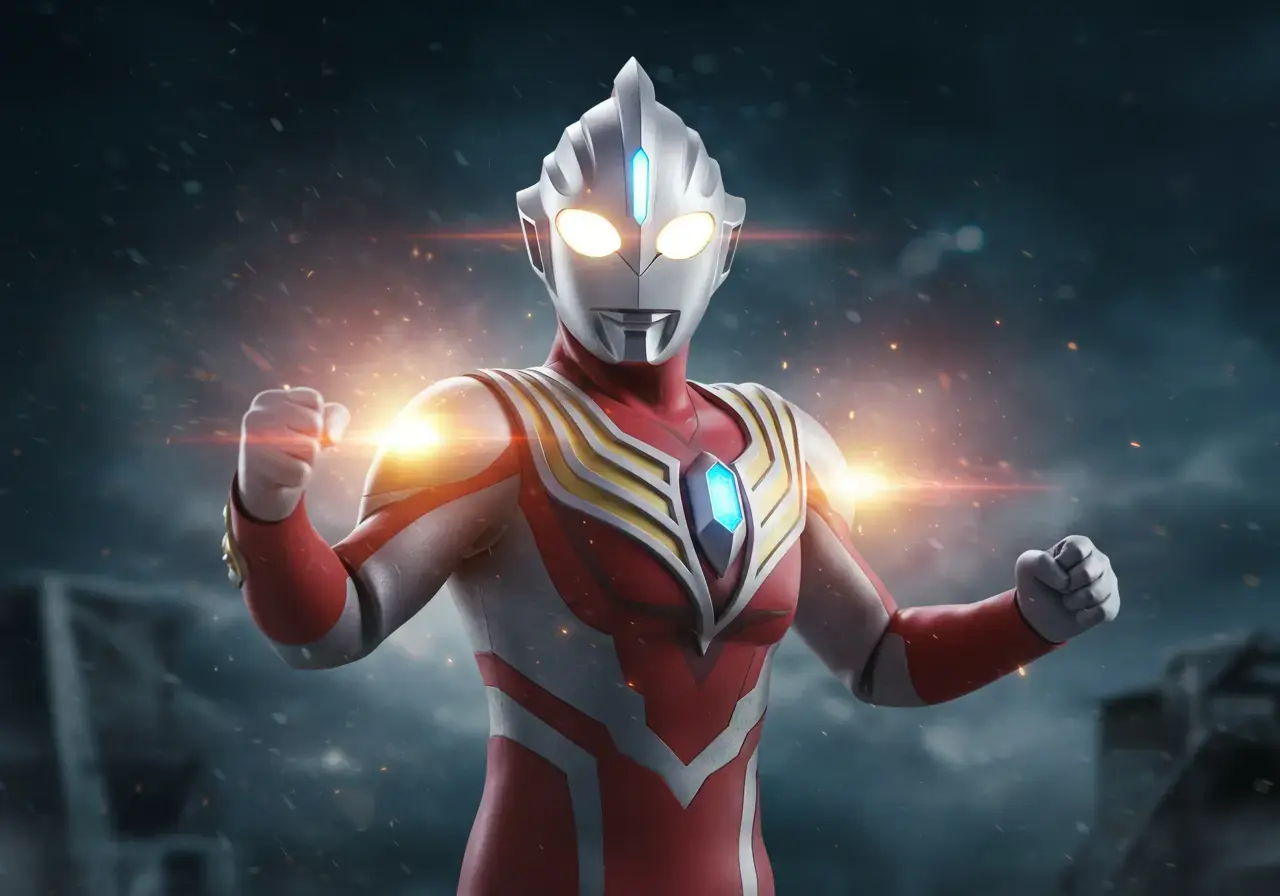
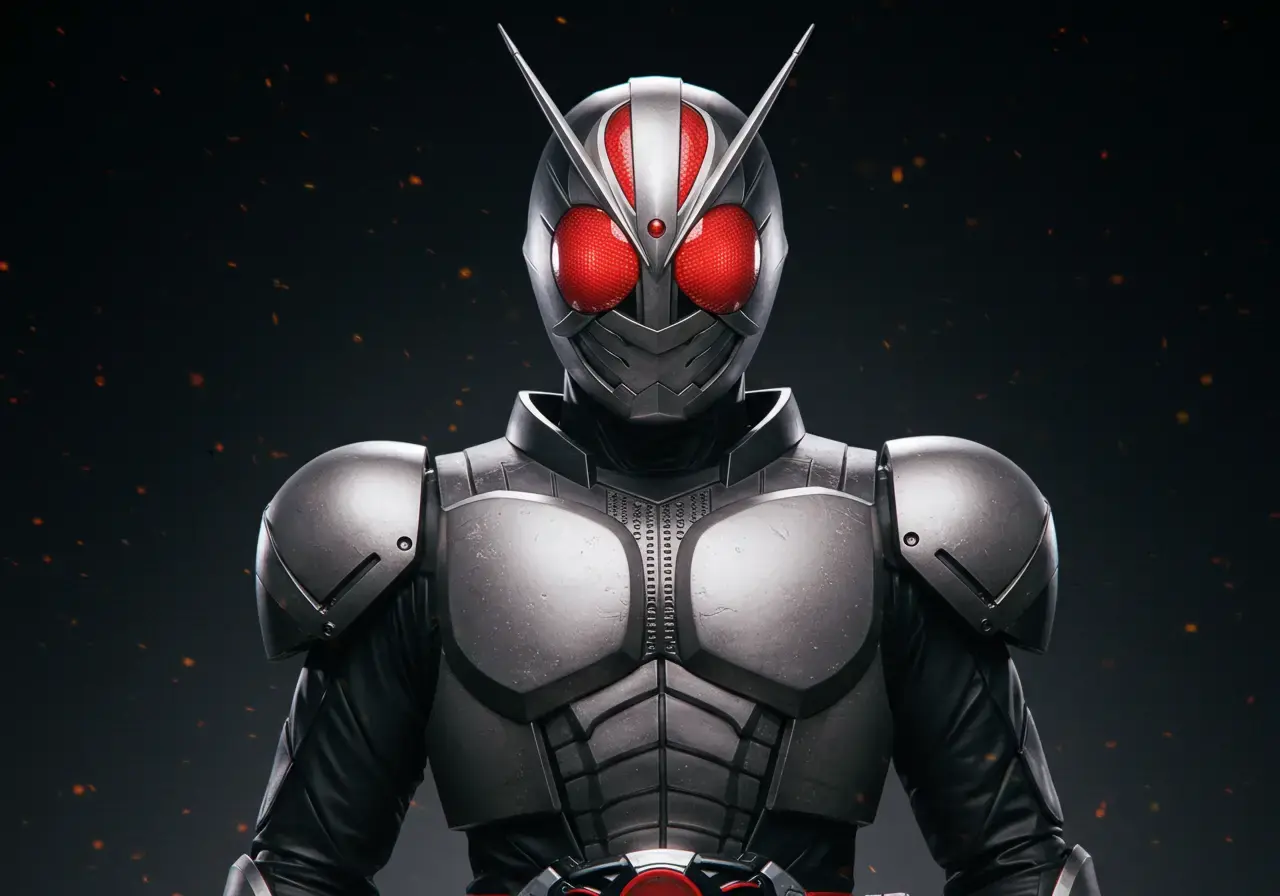
Character Source Frames
Build character and hero-inspired source images, then continue in the video generator.
Portrait Source Images
Create front-facing portraits with clear lighting and an uncluttered background for face-focused projects.
Smart Transition Point Mapping
Prompt enhancement adds composition, detail, focus, and lighting guidance before generation.
Rapid AI Image Generation
Use the lightweight free model for quick drafts, then switch to a premium model for final artwork.
Direct Video Pipeline
Send any generated image straight into PixVerse V6 to animate in one click.
Preguntas frecuentes
Todo sobre el generador de imágenes de Picverse AI.
How is this AI image generator different from Leonardo AI, Kling AI, or Runway?
The generator keeps source-image creation and video animation in one workflow. The free model is useful for drafts; premium models are available when higher detail or stronger prompt reasoning is needed.
Can I use these AI images with any AI video generator, like Pixverse AI or Kling AI?
Yes. Download the generated image for use elsewhere, or send it directly into this site's video generator. Results depend on the destination model and prompt.
Is this a free AI image generator? How many images can I create?
Yes. Standard generation uses no credits. Quality costs 20 credits and Pro costs 75 credits per image.
What makes Picverse better for character AI image to video transformations?
Clear subject separation, visible limbs, stable lighting, and an uncluttered background generally give video models a more usable source frame.
Do I need a Pro plan to create a source image?
No. Standard generation uses no credits. Quality, Pro, and video generation show the exact credit amount directly on the Generate or Create button.
How does this work with Pixverse AI for image to video?
Create and download a source image here, or continue into the video generator and describe how the subject or camera should move. Output still depends on the selected model, source image, and prompt.
¿Listo para comenzar a crear?
Genera tu primera imagen fuente hoy mismo. Gratis y sin tarjeta de crédito.