Transform Images into Video with PixVerse V6
Direct motion, camera angles, and cinematic effects from any still photo. Free to try with no account required.
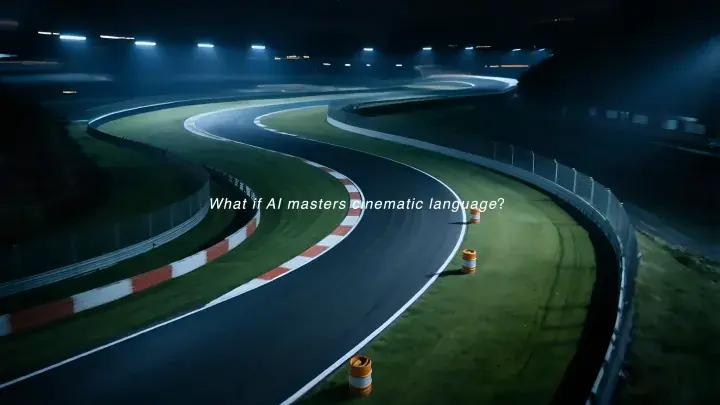
Cinematic Motion Quality
Experience precise motion dynamics, coherent lighting, and fluid character animation powered by PixVerse V6.
How It Works
- 1
Upload Source Image
Select a JPG, PNG, or WebP photo. Portraits, characters, landscapes, or products work best.
- 2
Direct the Motion
Describe subject movement and camera paths in plain text, or pick a motion preset.
- 3
Generate & Export
Preview the generated clip online and download clean, high-resolution video to your device.
Frequently Asked Questions
Free videos, credits, downloads, and what happens to your creations.
What makes Picverse AI different from other AI video and image generators?
Picverse AI provides direct, browser-based access to PixVerse V6 with zero friction. You can test generation immediately without sign-up or credit card entry, direct motions with customizable presets, and export clean videos.
How do I get started for free with Picverse AI?
The free tier lets you test PixVerse V6 right away without creating an account. You can direct motion and download clean video files directly to your device.
What does a V6 generation cost?
PixVerse V6 generation costs start from 50 credits, with exact amounts clearly displayed before submission.
What are the benefits of upgrading to a Pro plan?
Pro plans unlock high-definition rendering, extended video durations, custom aspect ratios, and priority processing queues.
Can I use generated videos for commercial projects?
Yes. You retain ownership of the videos you generate from your own source images, ready for personal or commercial projects.
Will my video be saved?
Videos created while signed in are automatically preserved in your personal library. For anonymous sessions, please download completed videos directly to your device upon completion.
What's the maximum resolution for generated videos?
PixVerse V6 supports high-definition video generation across multiple aspect ratios, including 16:9 widescreen, 9:16 vertical, and 1:1 square formats.
How quickly does Picverse AI generate videos?
Generation typically completes within 1 to 3 minutes depending on model complexity and queue load. Pro members receive priority access for accelerated processing.
Do plans change the available video settings?
All paid plans use the same model, resolution, and duration controls. Plans differ by included credits and billing period; each generation shows its exact credit cost before submission.
Transform your photos into motion today
Start creating with PixVerse V6 in seconds. No account or credit card required.