AI Background Remover & Transparency Tool
Upload any image to isolate subjects with clean cutouts and download high-resolution transparent PNGs. 100% free to try with no account required.
Upload Your Image
Select an image to remove the background and create transparency
Click or drag & drop your image here
Supports JPG, PNG, WEBP formats up to 10MB
Download Transparent PNG
Get your image with a transparent background ready for any project
Upload an image to get started
The transparent result will appear here
Creative Uses for Transparent Images
Discover how transparent backgrounds can transform your projects.
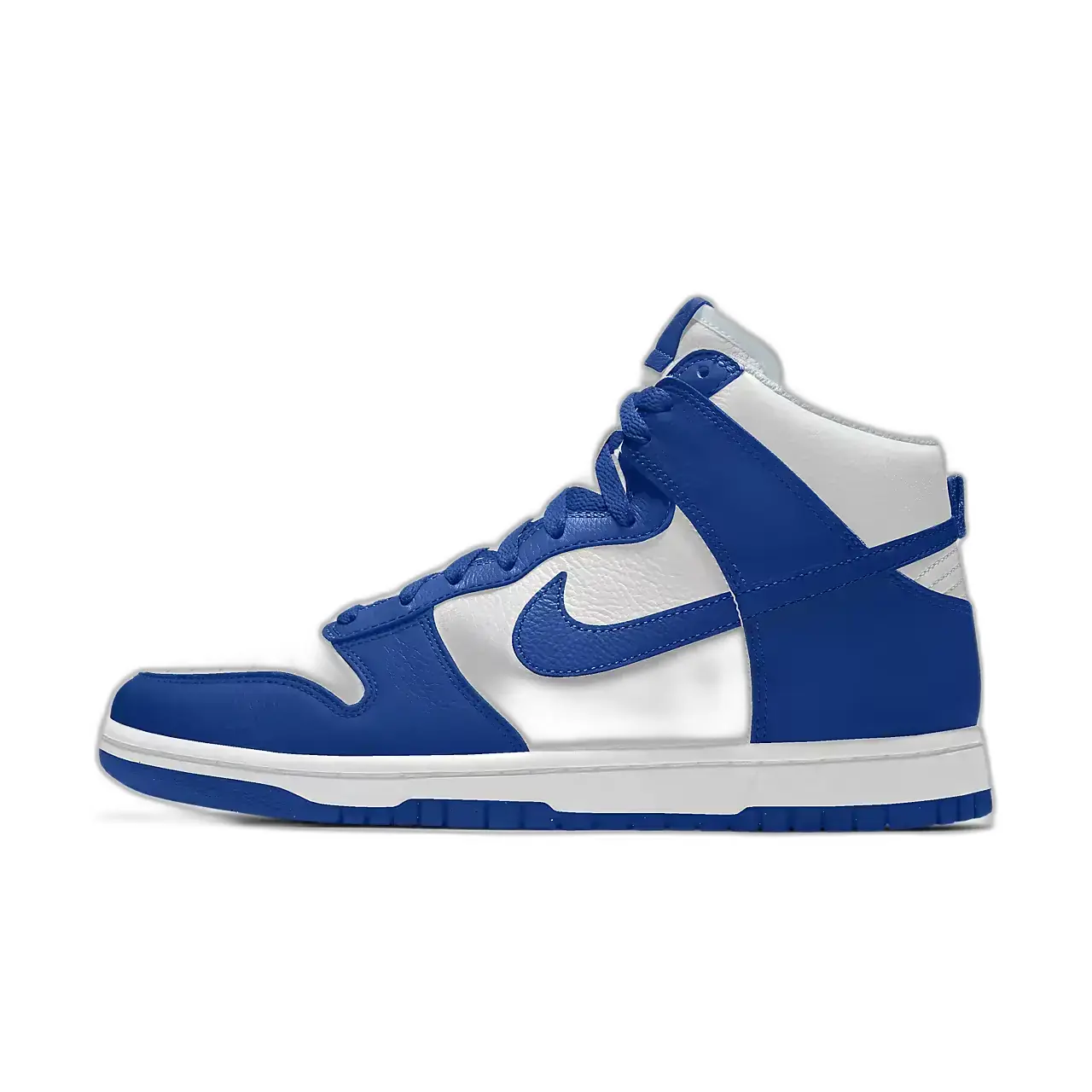
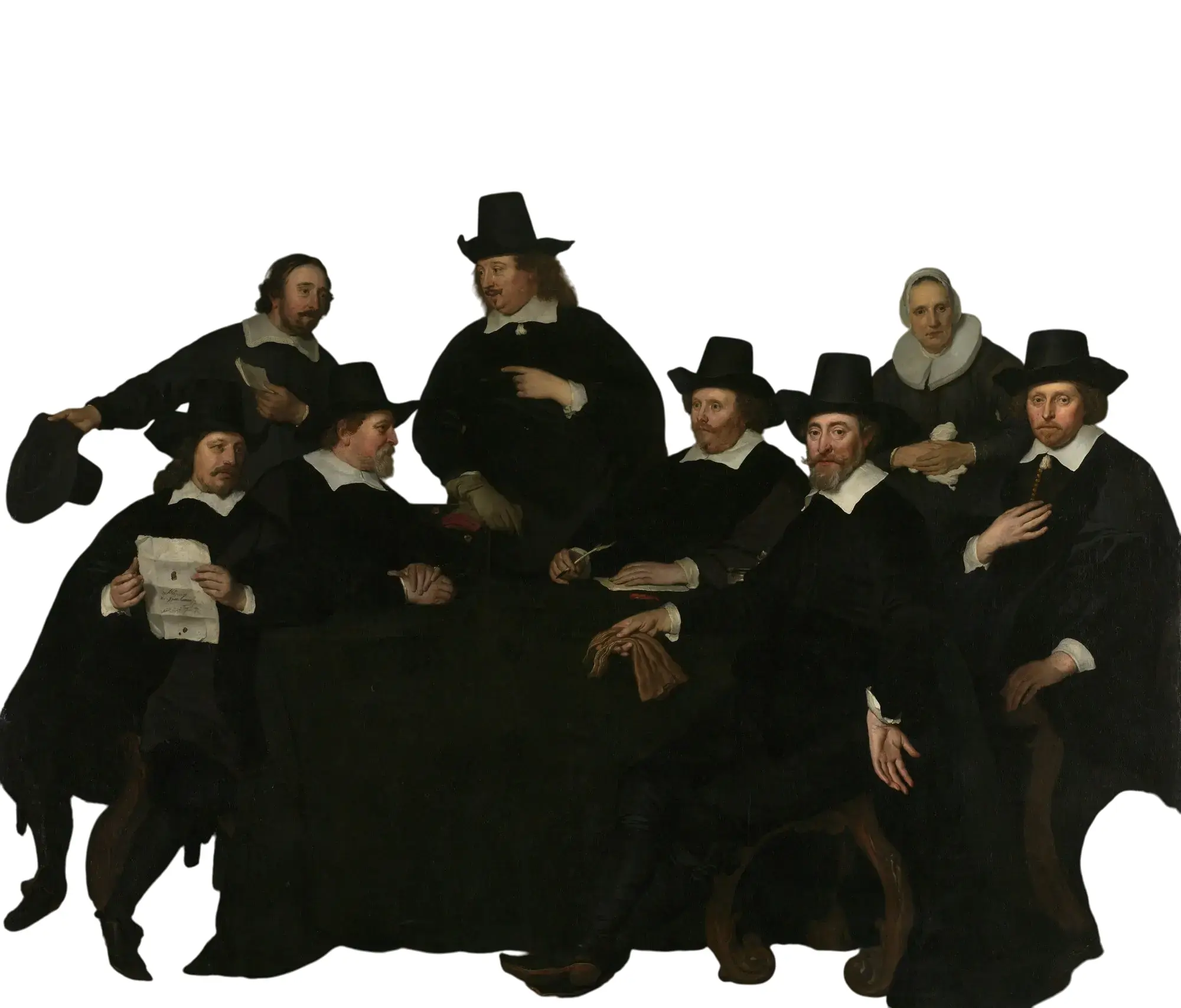
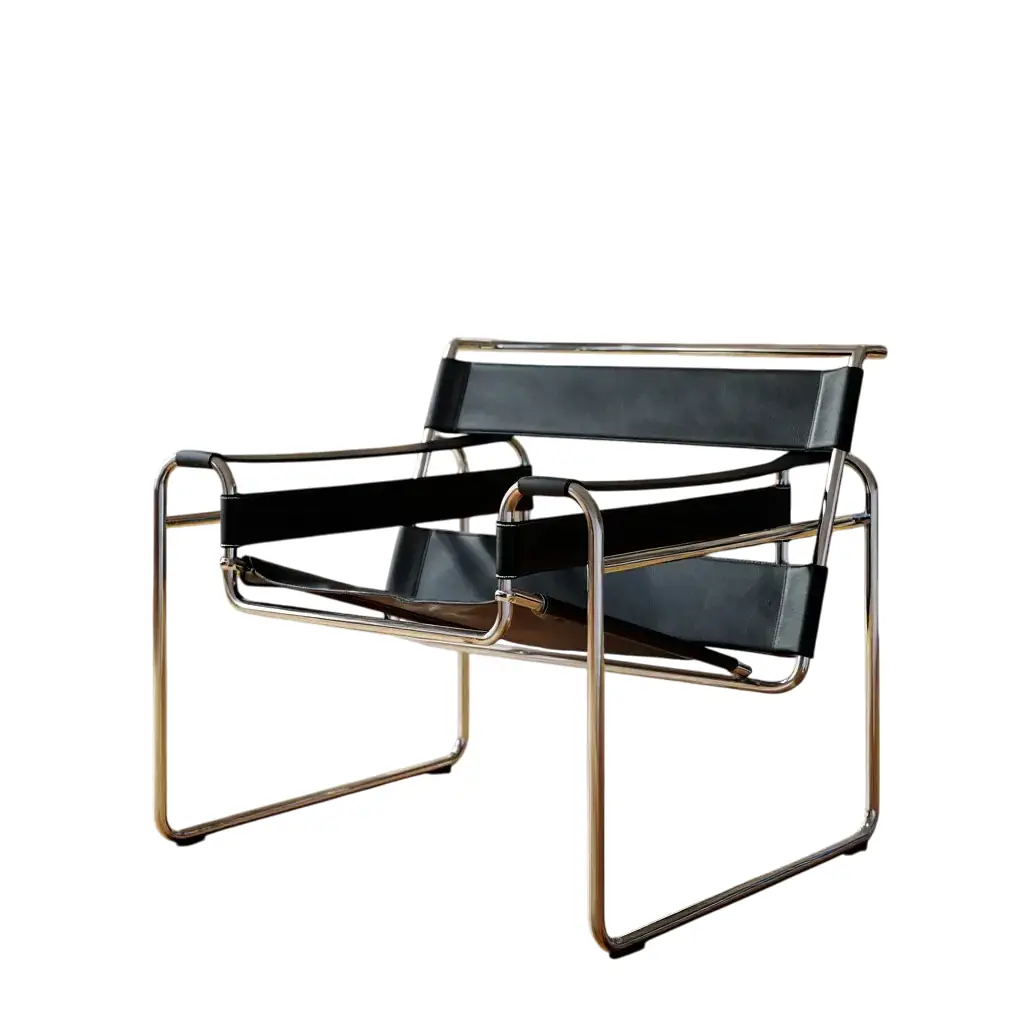
How Our Background Removal Works
The tool detects the main subject, separates it from the surrounding scene, and returns a PNG with transparency.
- UploadChoose any photo, portrait or graphic you want to make transparent
- ProcessThe tool detects the subject and removes the surrounding background
- DownloadGet your transparent PNG ready for websites, designs, or printing
Why Choose Our Background Removal Tool
Features that make creating transparent images quick and easy.
Zero Credits Required
Isolate subjects and export transparent PNGs completely free of charge.
Precision Edge Segmentation
Sub-pixel edge detection precisely clips hair, fine contours, and complex silhouettes.
Instant Studio Workflow
Upload, isolate, and download in seconds without manual brushes or lasso tools.
Lossless PNG Export
Download full-resolution PNG files with alpha transparency ready for e-commerce and graphics.
E-commerce & Social Ready
Seamlessly place isolated subjects into product mockups, banners, or video source canvases.
Direct Video Pipeline
Export transparent assets directly as clean reference layers for AI animation.
Frequently Asked Questions
Common questions about our background removal and transparency tool.
Is this background removal tool really free?
Yes. Background removal is completely free to use without spending generation credits.
What file formats work with this tool?
You can upload JPG, PNG, and WEBP images. Your transparent result will be provided as a PNG file, the ideal format for preserving transparency.
Is there a file size limit?
Yes, the maximum file size is currently 10MB. This allows for efficient processing while accommodating most standard photos and images.
How accurate is the background removal?
Our AI segmentation model automatically isolates foreground subjects with sub-pixel precision, delivering clean cutouts across portraits, products, and graphics.
Can I use the transparent images commercially?
You retain full commercial rights over the transparent cutouts created from your own images.
Do I need an account to use this tool?
No account is required to test and remove backgrounds. Simply upload and download.
How is my privacy protected?
Your uploaded files are processed securely over encrypted connections and are never used for public display without your permission.
How does the background removal technology work?
A segmentation model analyzes the image to estimate the main subject and background, then returns the subject on a transparent canvas.
Can I process multiple images at once?
The interface processes one image at a time. Upload the next image after the current result is complete.
What if I'm not satisfied with the results?
For best results, try uploading an image with good contrast between the subject and background. If needed, you can always try again with a different image or lighting conditions.
Ready to Create Transparent Images?
Upload an image, review the detected subject, and download the result as a transparent PNG.